

A link made
for one prospect.
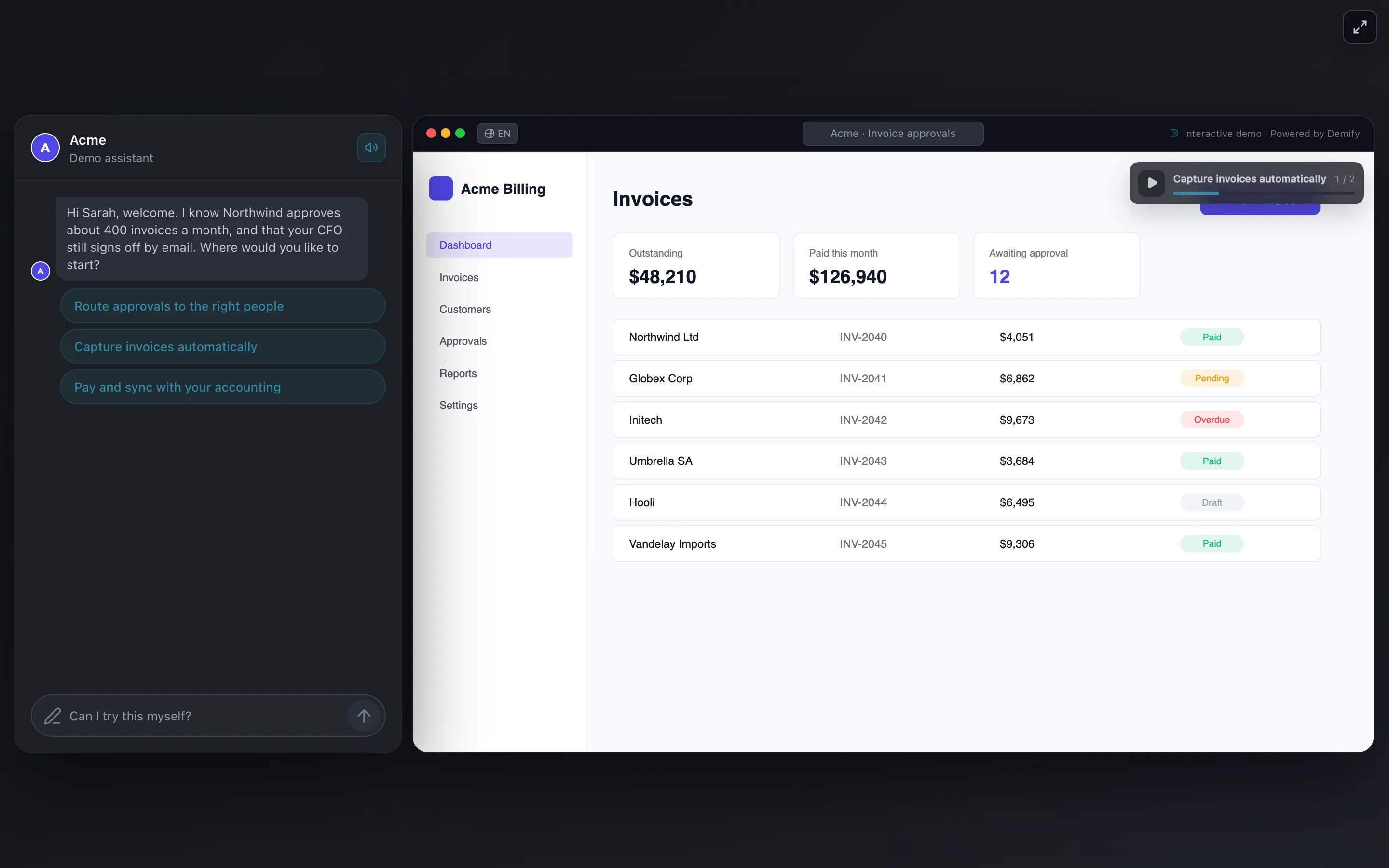
The guide greets them by name and knows their company's context. The demo itself stays the same.
Demify for sales teams
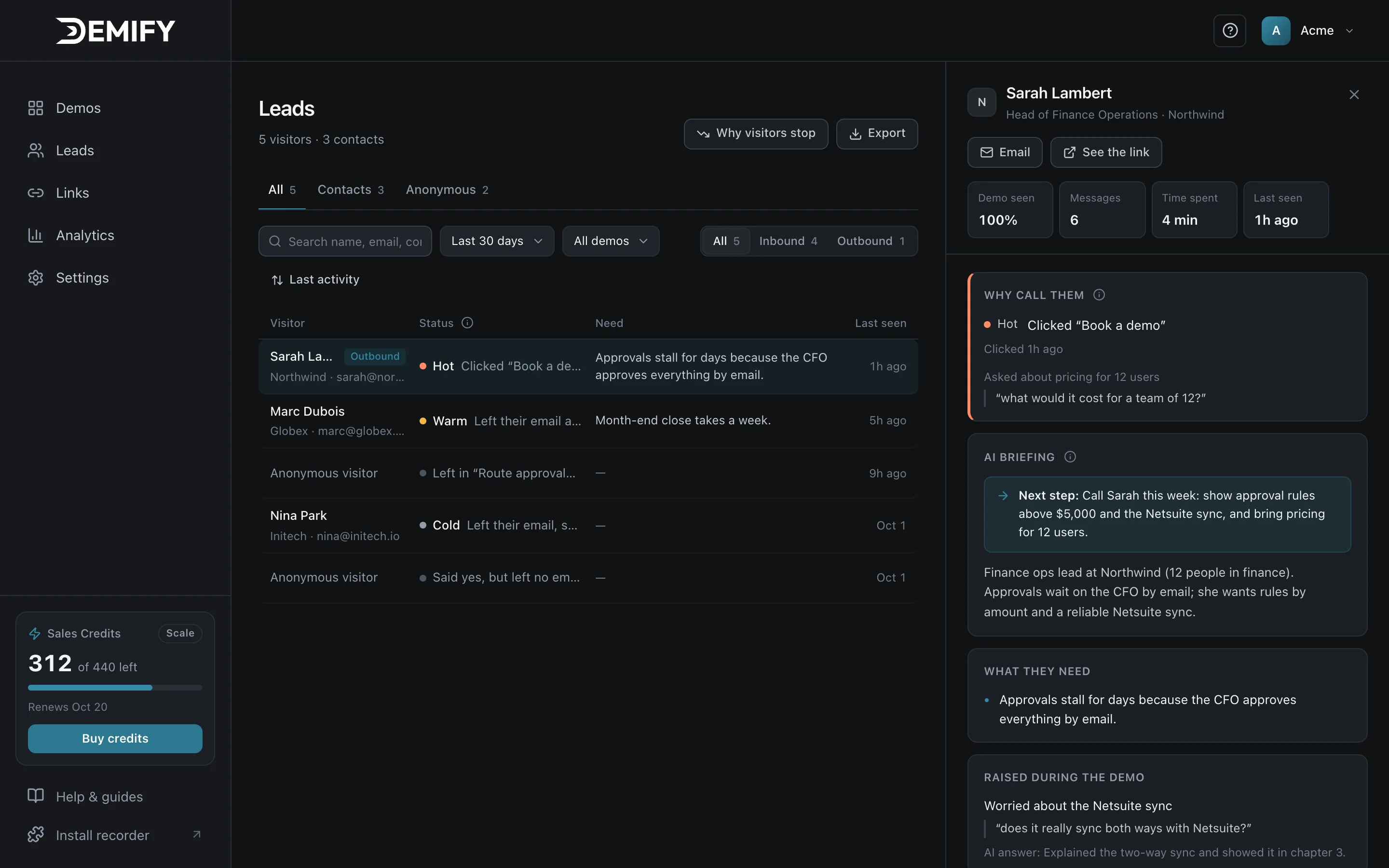
Demify lets sales send each prospect a demo made for them: the AI guide greets them by name, shows what matters to them, and briefs you on their needs and objections before the call.
14-day free trial · No credit card · Live in minutes
The guide greets them by name and knows their company's context. The demo itself stays the same.
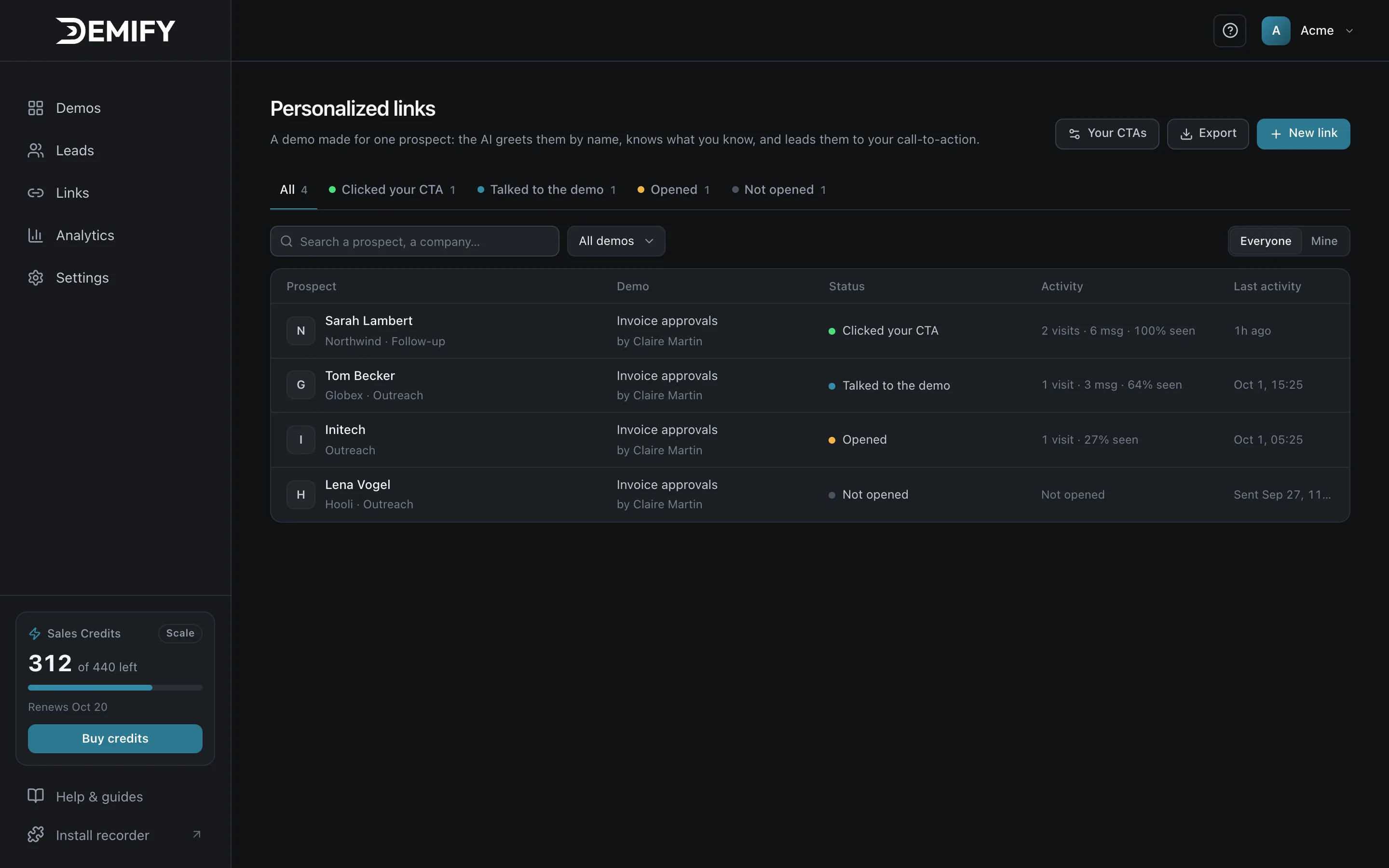
Every link shows how far each prospect went, so you know who to follow up with.
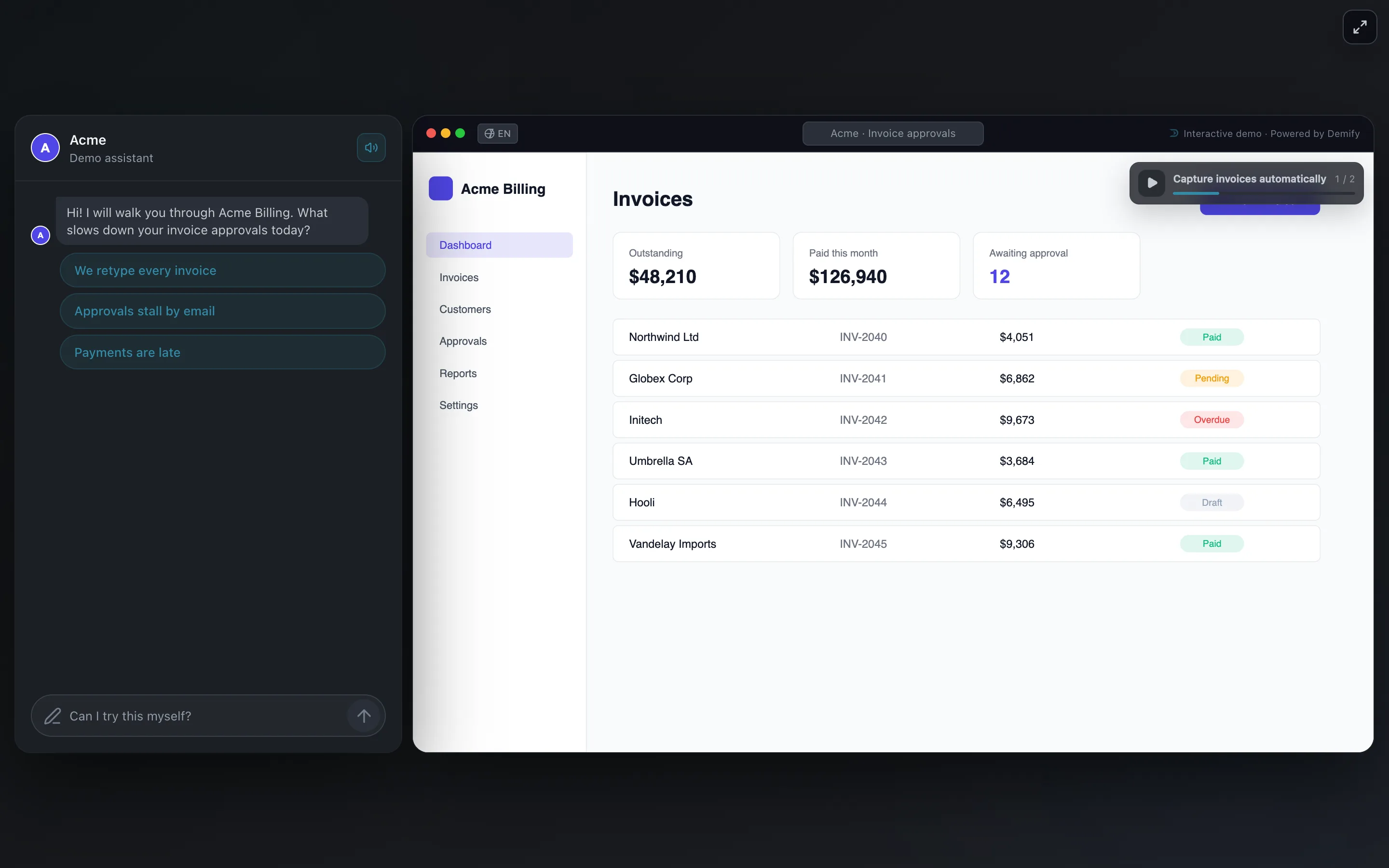
Prospects explore at their own pace and ask the guide what they want to know.
Record once. Each prospect gets their own demo, always built from your product and your answers.
Click through your product and talk. The Chrome extension captures every screen.
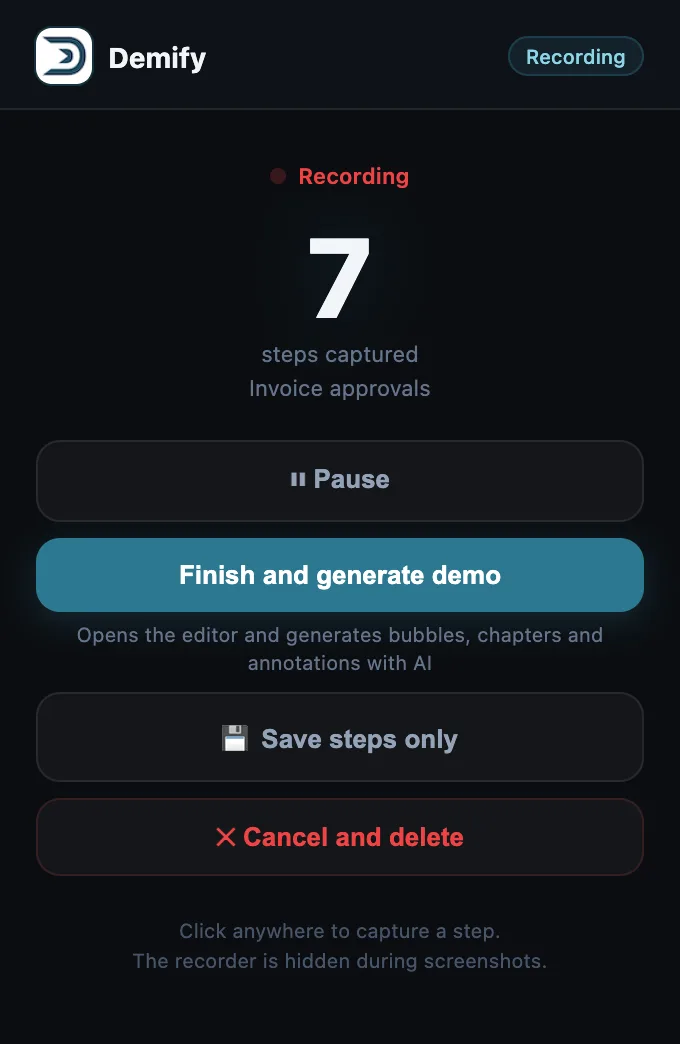
In minutes, the AI writes the chapters, the voice and the context, and learns your own answers: pricing, objections, proof points.
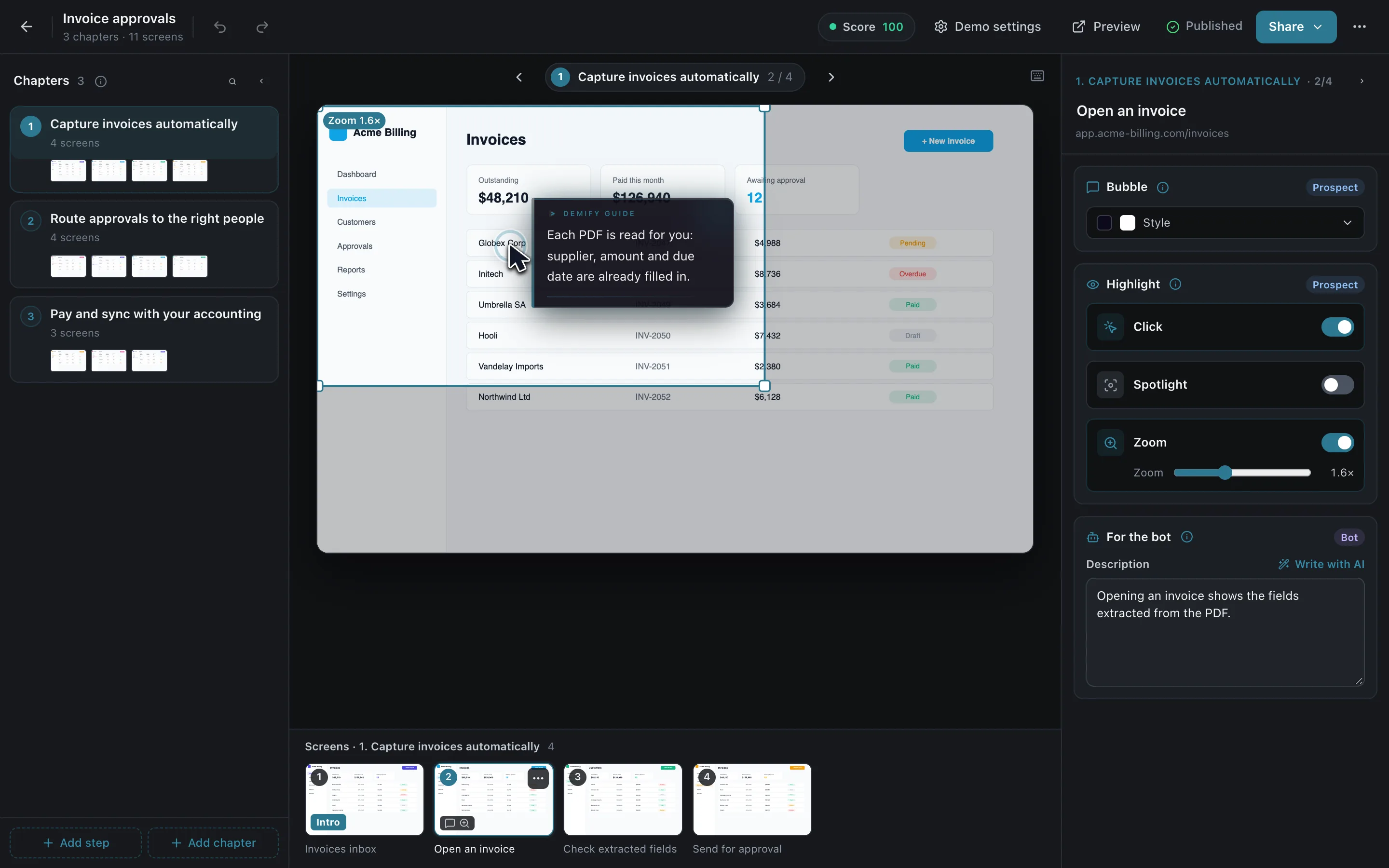
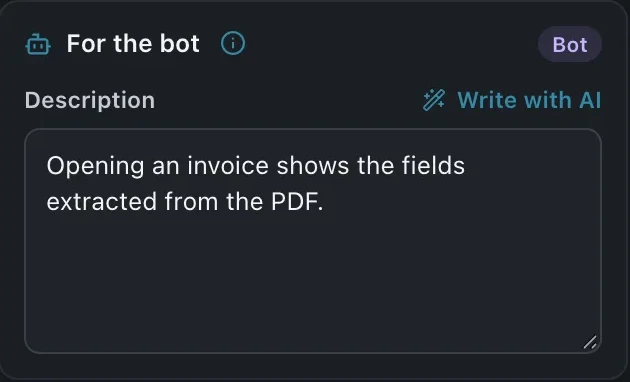
A public link, a link made for each prospect, or one line of code on your site.
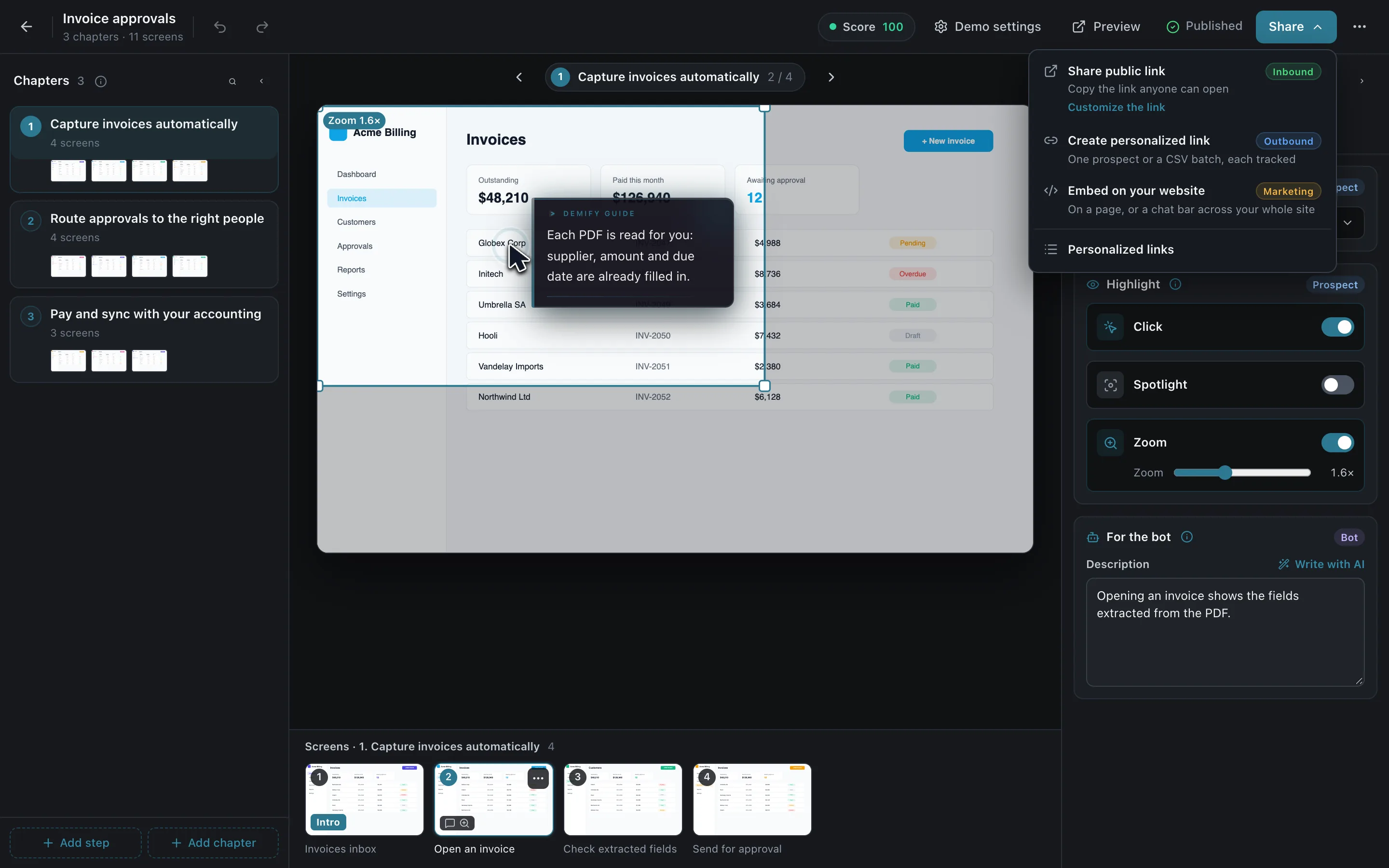
One link anyone can open.
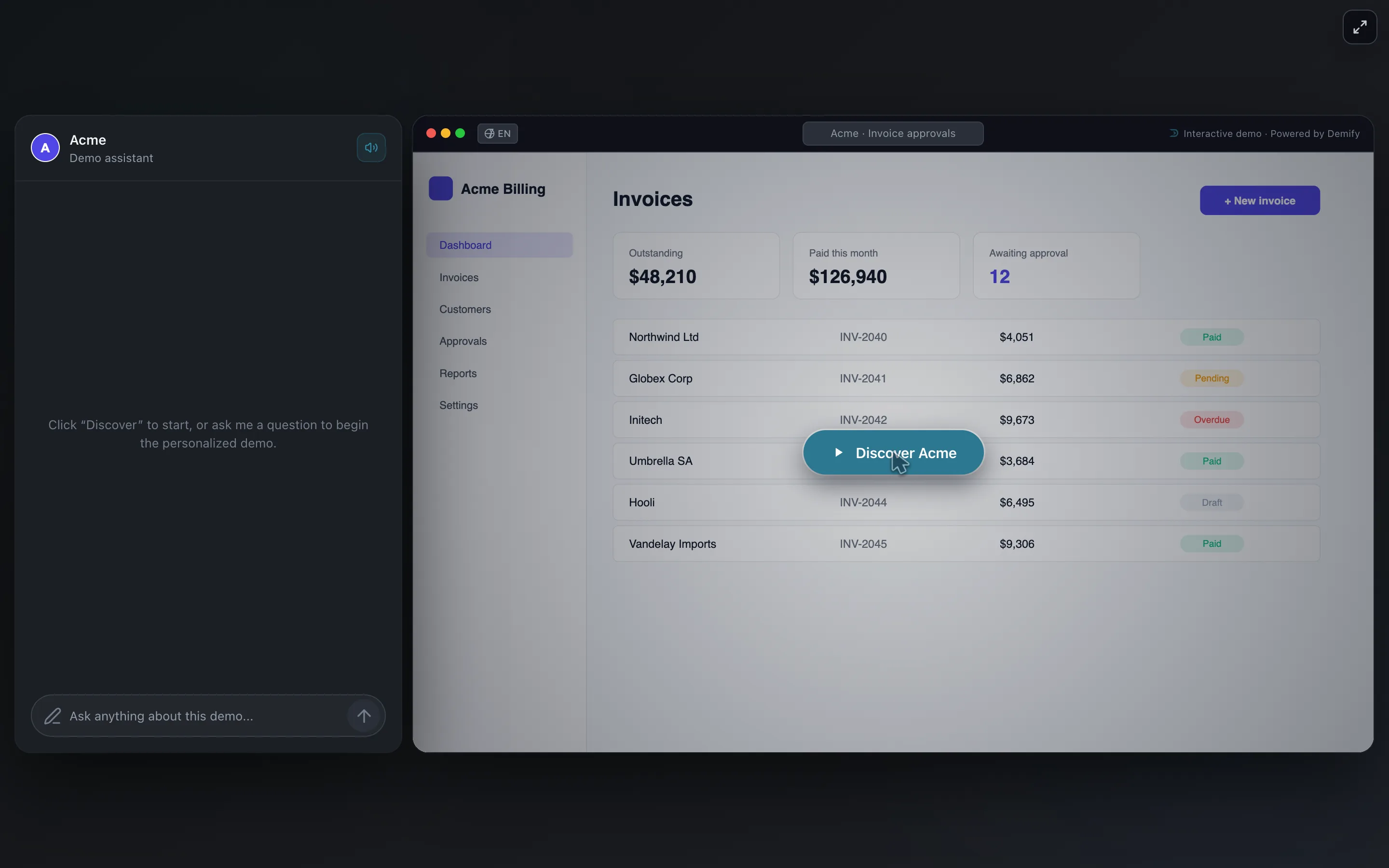
Made for one prospect: the guide greets them by name and knows their context.
The demo on a page, and the chat bar on every page of your site.
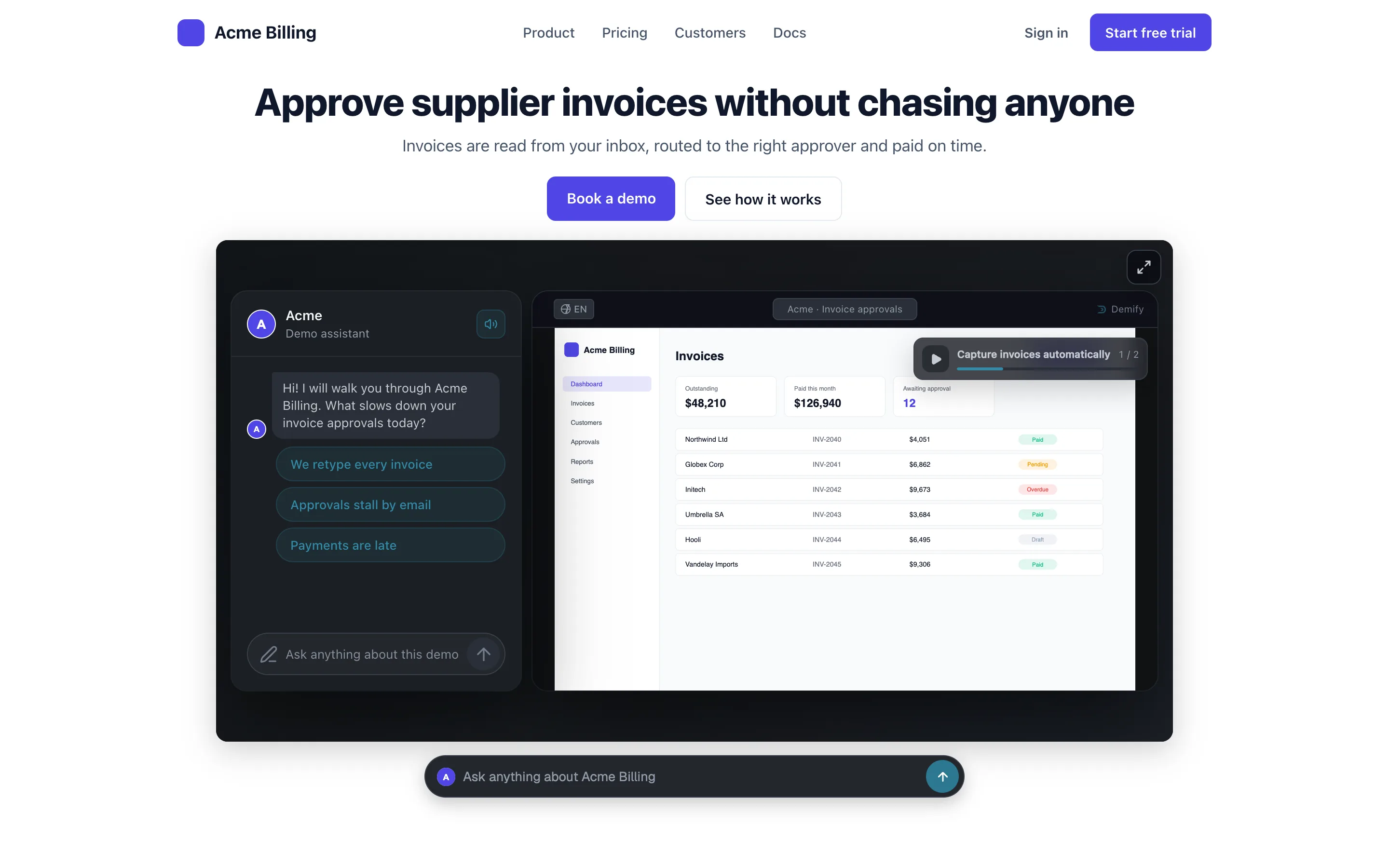

Record the demo once, then create a personalized link for each prospect: you give their name and context, and the guide uses them to greet the prospect and steer the demo. The demo itself stays the same.
Each lead is rated Hot, Warm or Cold from what they did and said in the demo, with an AI briefing that names what they need and the next step to take.
One Sales Credit is one conversation: a visitor who sends your AI guide at least 3 messages in one demo. Visitors who only look, or answer once and leave, are free. Plans start at €80 a month (€70 billed yearly) for 50 Sales Credits, excluding VAT, after a 14-day free trial, no credit card required.
14 days free, no credit card. Your first demo, live in a few minutes.
Create my first demoor ask the live demo first