

Why buyers want to try before they talk
B2B buyers do most of their research alone. By the time they fill in a form, they have read your site, compared you with others and often decided what they want to see. A screenshot and a "Book a demo" button ask them to wait days for the one thing they came for: seeing the product.
An interactive demo removes that wait. The prospect sees the real interface now, at their own pace, and your team talks to people who already know what the product does.
The three kinds of interactive demo
"Interactive demo" covers three different things. They differ in what the prospect does and in what it costs you to make them.
1. The click-through tour
Screens of your product captured in order, with hotspots and short notes. The prospect clicks "Next" through a path you wrote. Quick to make, but every visitor sees the same story, whatever they came for.
2. The sandbox
A full copy of the product filled with sample data, where the prospect can do anything. Powerful for technical buyers, but slow to set up and maintain, and many visitors get lost without a guide.
3. The AI-guided demo
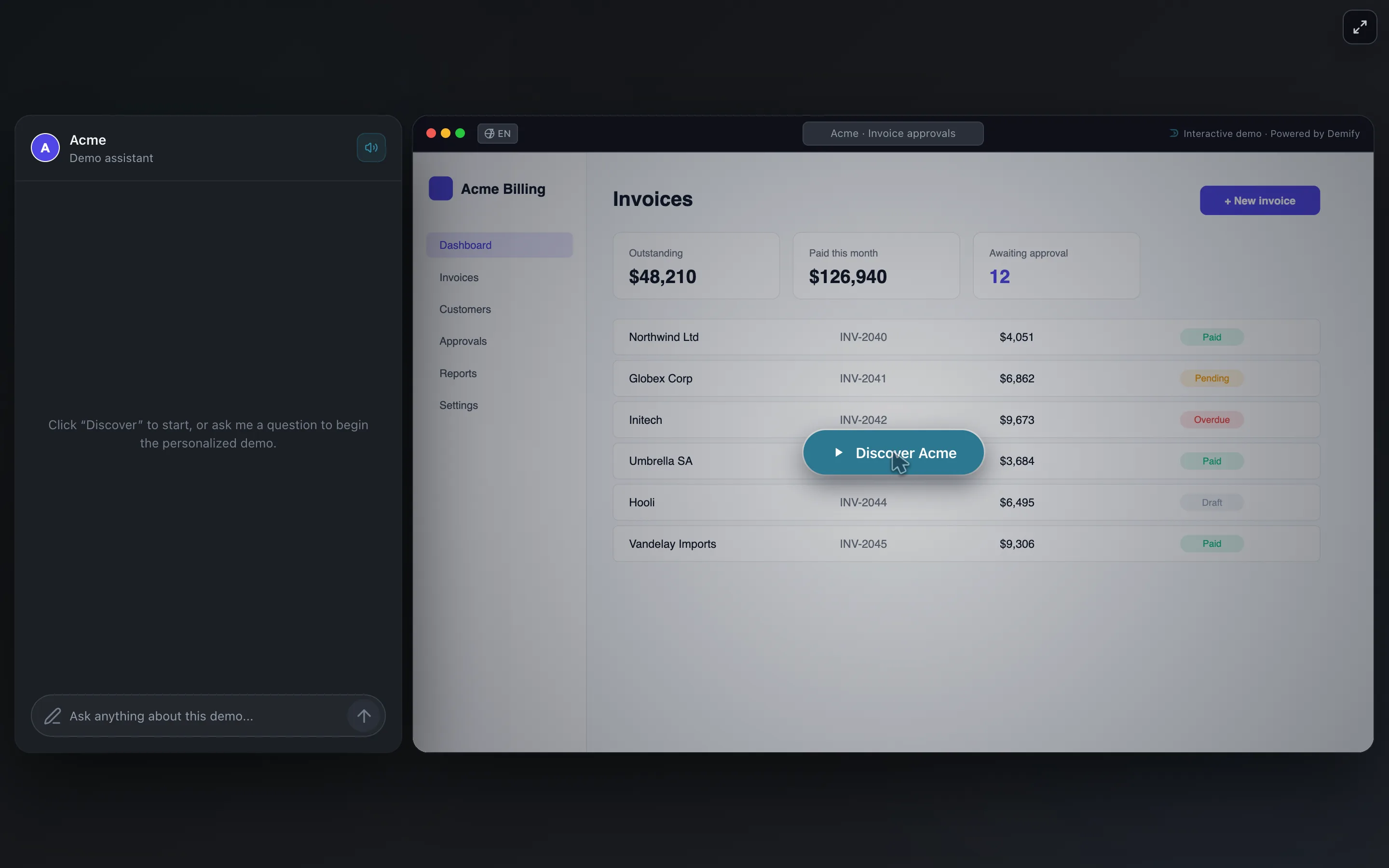
The product's screens with an AI guide beside them. The guide asks the prospect what they need, shows the matching screens, answers their questions in their language, and passes the lead to your team with what was said. Each visitor gets the demo a good salesperson would give them.
| Click-through tour | Sandbox | AI-guided demo | |
|---|---|---|---|
| The prospect | Clicks Next along one path | Explores freely | Asks, and is shown what fits |
| Questions | Not answered | Not answered | Answered in the demo |
| Made in | Hours | Days or weeks | Minutes, from one recording |
| Best for | One simple feature | Hands-on technical trials | Websites, outbound, qualifying leads |
Weighing an interactive demo against another format? See how it compares with a demo video, mockups and screenshots, an in-app product tour and a live demo call.
Where an interactive demo works best
- On your website. Next to "Book a demo" on the home page and the pricing page, so a visitor can see the product at the moment they are curious. See an interactive demo on your website.
- In outbound. One link in a cold email or a LinkedIn message, made for that prospect, greets them by name and shows their use case. See demos in outbound.
- After a first call. The champion forwards the demo to the people who were not in the room, and they see the product without another meeting.
- To qualify leads. What a prospect asks during a demo says what they need and how ready they are. See lead qualification.
How to build an interactive demo, in six steps
- Pick one buyer and one outcome. "A finance manager sees how invoice approvals take two clicks" beats "everything our product does".
- Start from their problem, not your menu. The first screen shows the pain the buyer knows; the next ones show it solved.
- Use a clean demo account. Realistic sample data, no real customer names, no empty tables.
- Keep it short. A handful of chapters the prospect can finish in a few minutes. Depth comes from their questions, not from more screens.
- End with one next step. Book a call, start a trial or talk to sales: one button, not three.
- Follow up on what they did. Which chapters they watched and what they asked tell your team who to call first and what to say.
Five mistakes that make visitors leave
- A form before the first screen. Let people see the product first; ask for an email once they are interested.
- Every feature in one tour. Long demos lose people halfway. Show what this buyer needs.
- Text on every screen. If a step needs a paragraph to explain it, the step is wrong.
- Questions left unanswered. Price, security, integrations: if the demo cannot answer, the visitor goes to look elsewhere.
- No one watching the results. A demo that does not tell sales who engaged is a nice page, not a source of leads.
What AI changes
A tour asks every visitor to follow the same path. An AI guide works the other way round: it starts from the visitor. It asks what they do and what they need, takes them to the matching screens, answers their questions from what your team knows, and tells your team who the lead is and what they asked.
That is what Demify does. You click through your product once with the Chrome extension, talking as you go; Demify's AI writes the chapters, the voice and the guide's context. Then you share a link or add the demo to your site. You can try the live demo to see it from the prospect's side.